Add Self-Managed App Skills Extensions in the App Dashboard
Add an App Skills extension to your app to declare skills for Aria, the Wix AI assistant. A skill is a named set of reference documentation that guides Aria through a task. Use App Skills when you want Aria to handle a task the same way every time. For example, you can tell Aria to collect a customer's details, create an invoice through your 3rd-party invoicing service, and send the invoice number back to the Wix user.
Note: An app can have only 1 App Skills extension, with 1 to 100 skills.
Follow these steps to add an App Skills extension to your self-managed app:
Step 1 | Add an App Skills extension
Declare the skills your app offers in the app dashboard.
To add an App Skills extension to your app:
-
Select an app from the Custom Apps page in your Wix Studio workspace.
-
On the Extensions page, click + Create Extension.
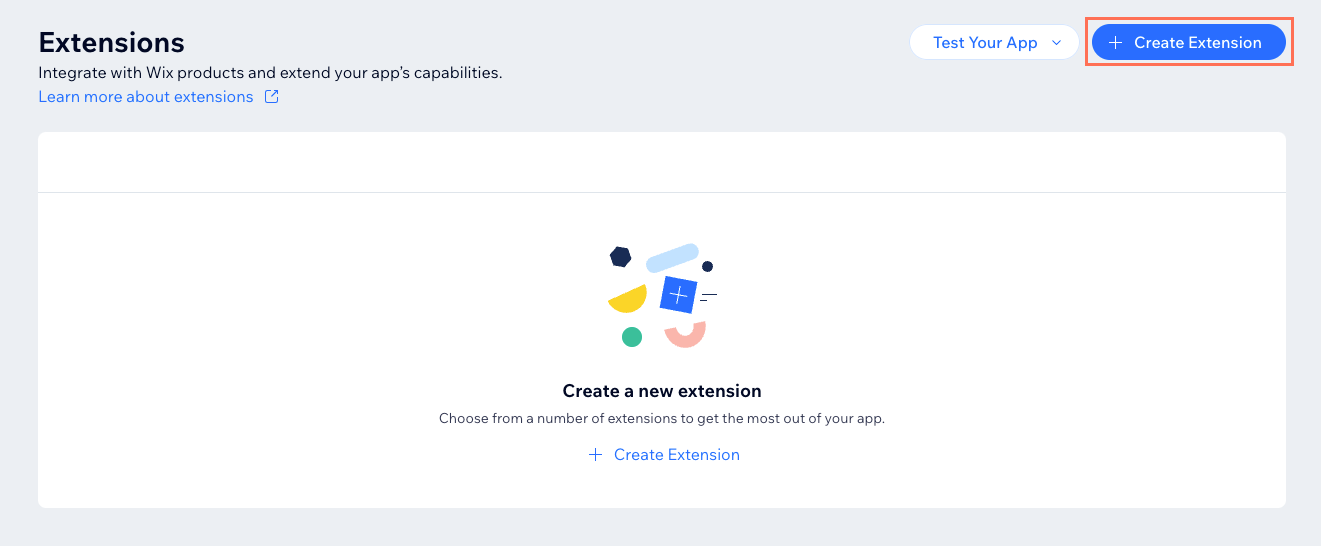
-
Search for App Skills and click + Create.
-
In the JSON editor, configure your skills by referencing the Documentation panel on the right side of the page.
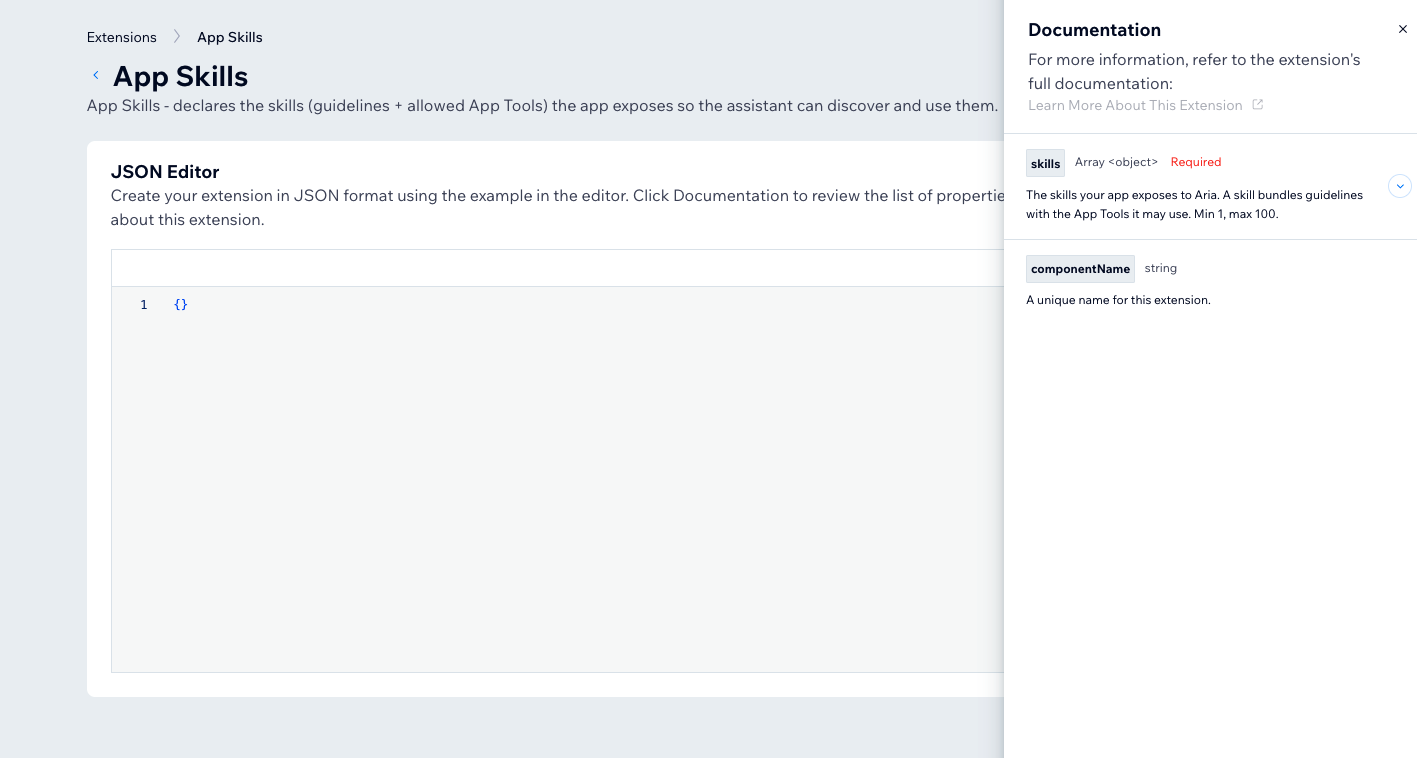
The following example configures a package tracking skill. The example uses
toolMethodNames, which must name a tool already declared in your app's App Tools extension. For more information, see Add Self-Managed App Tool Extensions with the SDK. You can leave outtoolMethodNamesfor a skill without tools.CopyNote: Aria decides whether to use a skill based on its
descriptionandexamples. Write them clearly, and include requests a Wix user is likely to make. Setguidelinesbefore you setactivatedtotrue. -
Click Save.
Step 2 | (Optional) Declare tools your skill uses
If a skill calls tools, list their names in toolMethodNames. Every name must match a methodName value in your app's own App Tools extension. A skill can't call tools declared by other apps. Wix rejects the extension if a name doesn't match.
You can create a skill without tools. Leave out toolMethodNames for skills such as a checklist or review.
See also
Last updated: 2 November 2026