> Portal Navigation:
>
> - Append `.md` to any URL under `https://dev.wix.com/docs/` to get its markdown version.
> - Pages are either content pages (article or reference text) or menu pages (a list of links to child pages).
> - To get a menu page, truncate any URL to a parent path and append `.md` (e.g. `https://dev.wix.com/docs/sdk.md`, `https://dev.wix.com/docs/sdk/core-modules.md`).
> - Top-level index of all portals: https://dev.wix.com/docs/llms.txt
> - Full concatenated docs: https://dev.wix.com/docs/llms-full.txt
## Resource: Blocks Unboxed: A Quick Tour
## Article: A Quick Tour
## Article Link: https://dev.wix.com/docs/build-apps/develop-your-app/frameworks/wix-blocks/get-started/blocks-unboxed-a-quick-tour.md
## Article Content:
# Blocks Unboxed: A Quick Tour
**Editor compatibility**
Wix Blocks apps aren't supported in the Wix Harmony editor. Existing Blocks apps remain available for purchase on the Wix App Market for Wix Editor and Wix Studio sites. To learn more, see [About Wix Harmony and Blocks](https://dev.wix.com/docs/build-apps/develop-your-app/frameworks/wix-blocks/about-wix-harmony-and-blocks.md).
Wix Blocks is open to all Wix Studio users. To access Blocks, go to [Custom Apps](https://manage.wix.com/account/custom-apps) in your Studio workspace. If you want to create a Blocks app in a Studio workspace where you are not the owner, make sure to get **Co-owner** permissions from the owner.
**Welcome aboard – it's great to have you here!**
The Blocks Editor is where you create apps for Wix sites.
Blocks apps can be anything from simple widget layouts to full-fledged interactive web components, complete with APIs and code files – the sky is the limit.

Let's get started with a quick tour of the basics. You can then dive straight into the [Blocks app workflow](https://dev.wix.com/docs/build-apps/develop-your-app/frameworks/wix-blocks/get-started/a-blocks-app-workflow.md) and start building apps, or try out our [Blocks tutorials](https://dev.wix.com/docs/build-apps/get-started/tutorials/index-of-tutorials.md#quick-start--create-an-app-in-wix-blocks).
* * *
### Build amazing widgets for Wix sites
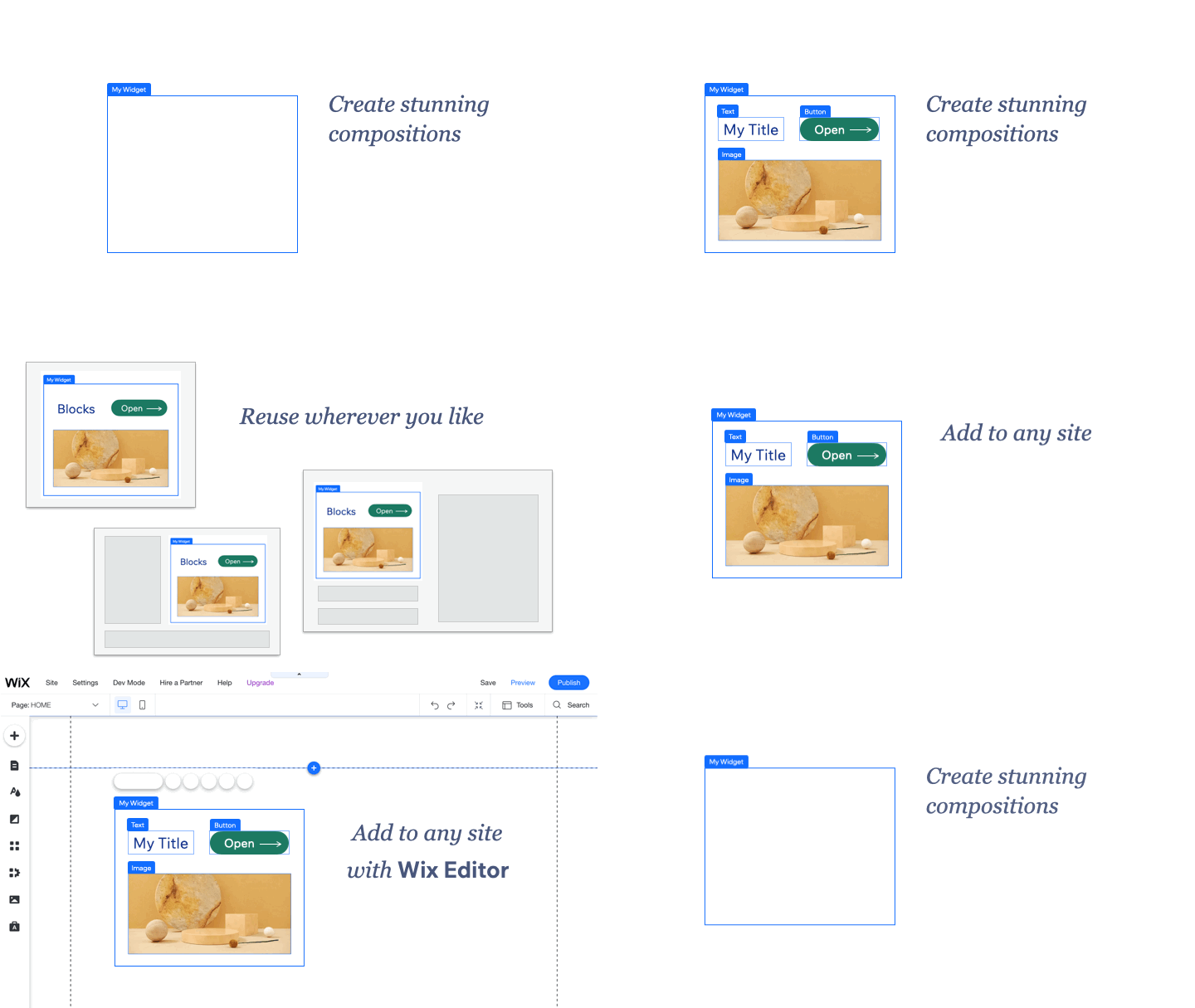
Wix Blocks offers you all the tools you need to design professional widgets that Wix site builders (yourself included!) can add to any site. It comes with powerful layout and design tools to help you make your widgets responsive, precise, and beautiful. Build them yourself or ask the Blocks AI to do it for you!
* * *
### Responsive from the ground up
Blocks widgets are fully responsive when added to any Wix site, adapting elegantly to any viewport or layout.

* * *
### Limitless customization out of the box
In Blocks, you compose your widget out of standard Wix site [elements](https://support.wix.com/en/article/studio-editor-adding-elements-4240855), like text boxes, images and buttons. They all come with tons of built-in customization options. When site creators add your widget to their site, all those options are still available, allowing them to adjust almost anything and make your widget perfect for their needs.

* * *
### Give site builders a tailored editing experience
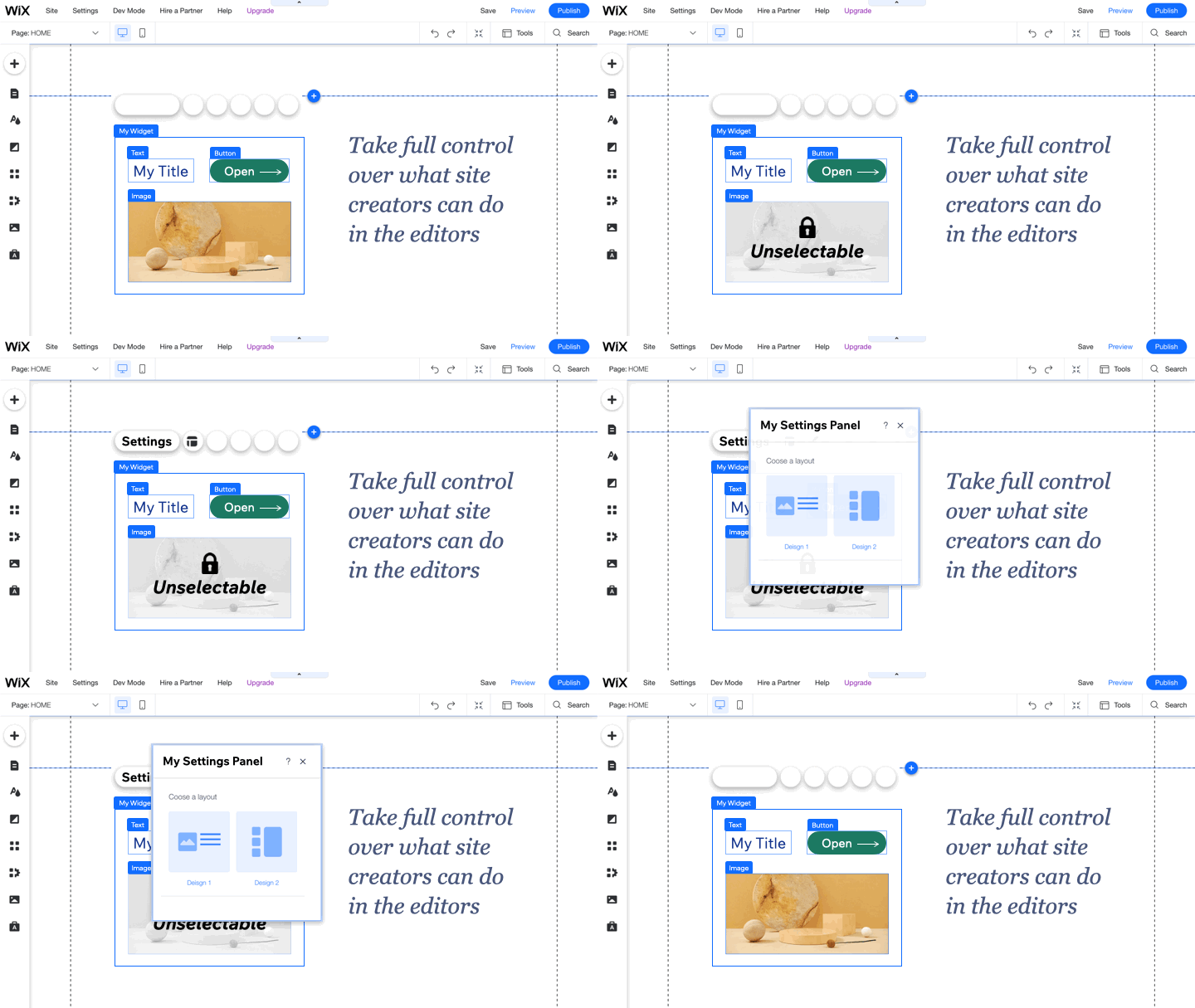
Your widget's [configuration](https://dev.wix.com/docs/build-apps/develop-your-app/frameworks/wix-blocks/editor-experience-configuration/about-configuration-in-blocks.md) settings control how site builders interact with the widget in the editor, for example, which widget elements can be selected or removed, and the buttons available in each action bar.
You can even build your own [custom panels](https://dev.wix.com/docs/build-apps/develop-your-app/frameworks/wix-blocks/editor-experience-panels/about-panels-in-blocks.md) for your widgets, to let site builders easily adjust your widget's settings, layout, design, and more.
* * *
### Turbocharge your widget with code
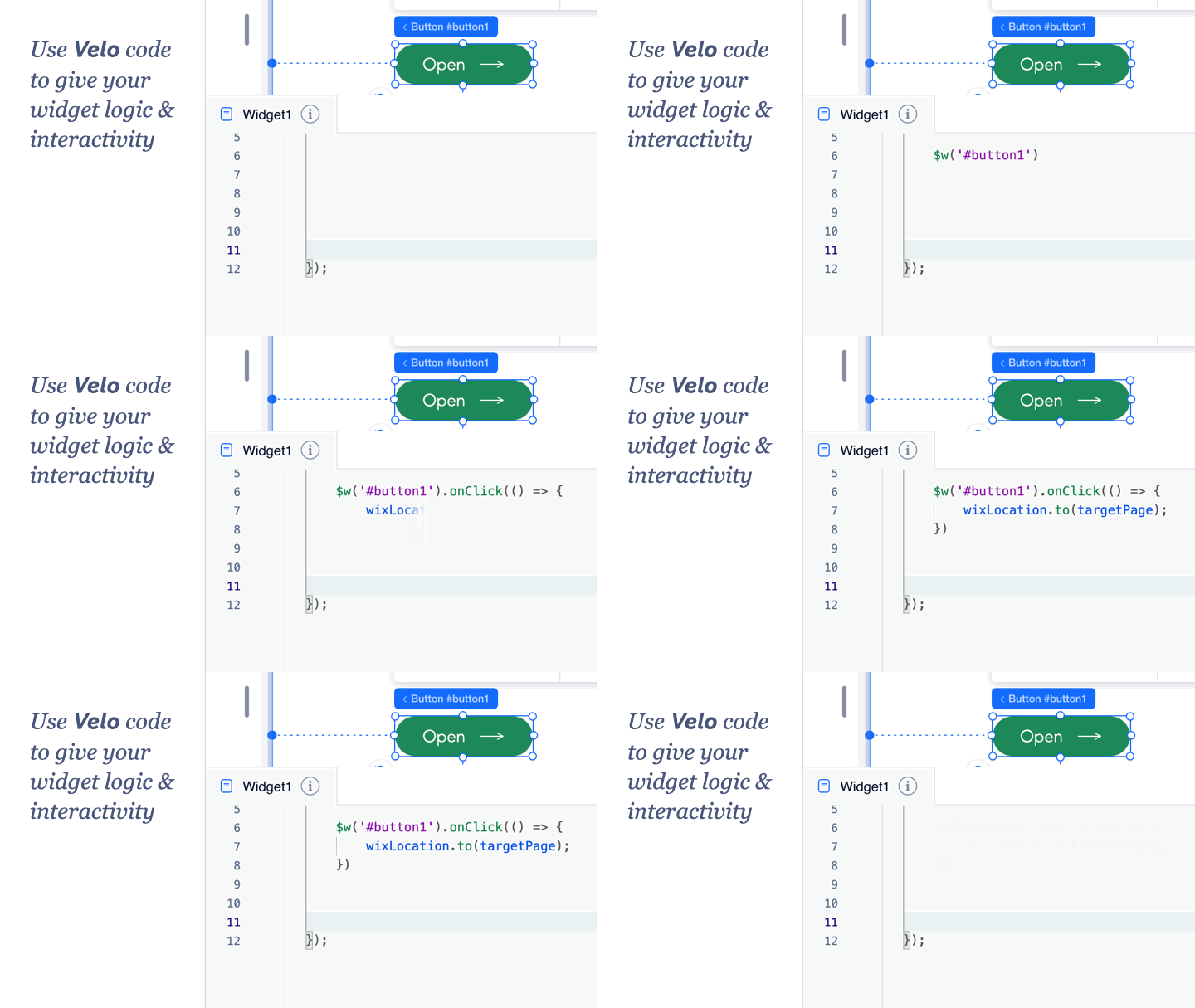
The Wix full-stack development platform empowers you to rapidly build, manage, and deploy professional apps. Add custom functionality and interactions, use the [Wix Javascript SDK](https://dev.wix.com/docs/build-apps/develop-your-app/api-integrations/java-script-sdk.md), work with your favorite tools, and enjoy serverless coding in both the frontend and backend—all on an open, extendable platform.
* * *
### Let Wix sites interact with your widget
Exposing your own [API](https://dev.wix.com/docs/build-apps/develop-your-app/frameworks/wix-blocks/widget-api/about-the-widget-api.md) allows site builders to smoothly integrate your widget into their site, by manipulating the widget's props, calling its public functions, and reacting to its events.