> Portal Navigation:
>
> - Append `.md` to any URL under `https://dev.wix.com/docs/` to get its markdown version.
> - Pages are either content pages (article or reference text) or menu pages (a list of links to child pages).
> - To get a menu page, truncate any URL to a parent path and append `.md` (e.g. `https://dev.wix.com/docs/sdk.md`, `https://dev.wix.com/docs/sdk/core-modules.md`).
> - Top-level index of all portals: https://dev.wix.com/docs/llms.txt
> - Full concatenated docs: https://dev.wix.com/docs/llms-full.txt
## Resource: Create Thumbnail Images for Your Presets
## Article: Create Thumbnail Images for Your Presets
## Article Link: https://dev.wix.com/docs/build-apps/develop-your-app/frameworks/wix-blocks/widget-design/create-thumbnail-images-for-your-presets.md
## Article Content:
# Create Thumbnail Images for Your Presets
**Editor compatibility**
Wix Blocks apps aren't supported in the Wix Harmony editor. Existing Blocks apps remain available for purchase on the Wix App Market for Wix Editor and Wix Studio sites. To learn more, see [About Wix Harmony and Blocks](https://dev.wix.com/docs/build-apps/develop-your-app/frameworks/wix-blocks/about-wix-harmony-and-blocks.md).
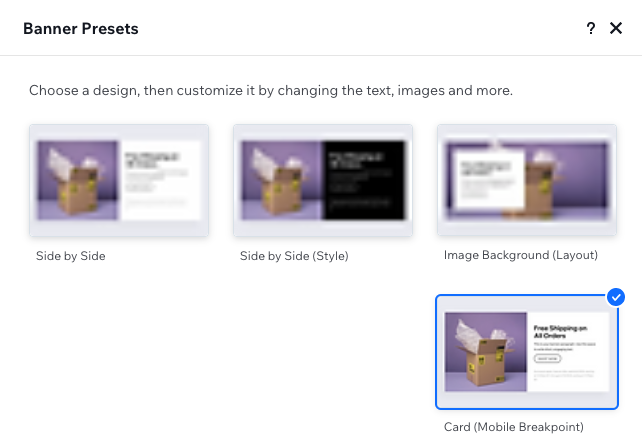
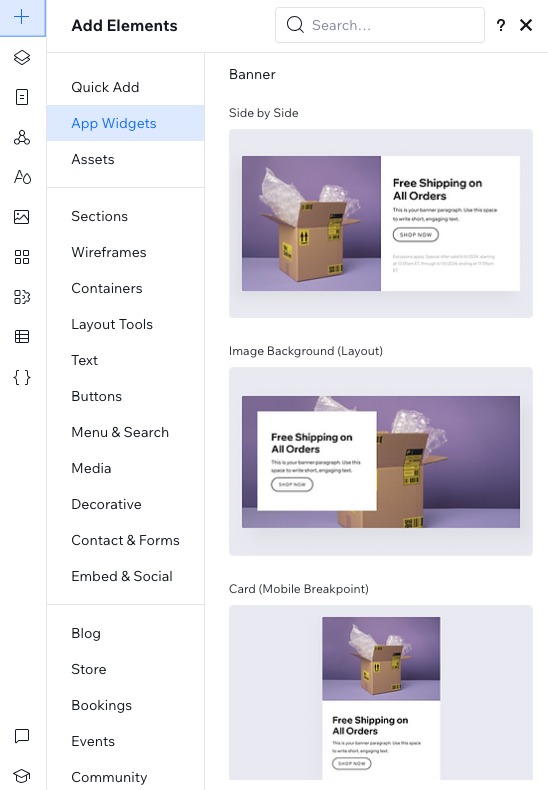
When site builders browse through the design presets of your widget in their **Add** or **Presets** panels, they see a thumbnail image of the widget. You can use the auto-generated image, or create your own. When creating your own image, please consider the following guidelines.
### Content guidelines
* The image should be a visual representation of the preset. It's not a banner or an ad.
* If your widget has dynamic content, use dummy content to prepare your image. However, don't use Lorem Ipsum.
### Technical guidelines
* Compression: do not compress, use best quality
* File type: JPG or PNG
* File size limit: 25 MB
* Image size minimum: 304X188 px
### See how it looks
You must go to the Wix Editor and Wix Studio to see how your images appear in the actual panels. Here are some examples:
The Add Panel
The Presets Panel