Create a Self-Managed Headless Project
Wix Headless lets you build your frontend with any framework and integrate with Wix’s production-ready business solutions such as eCommerce, Bookings, and Events. Headless projects appear in your Wix account alongside your Wix sites, making it easy to manage all your Wix projects in one place.
This article explains how to set up a self-managed headless project. For a simplified setup with managed hosting and authentication, see Wix-managed headless.
To create and set up a headless project:
-
Create a new headless project.
-
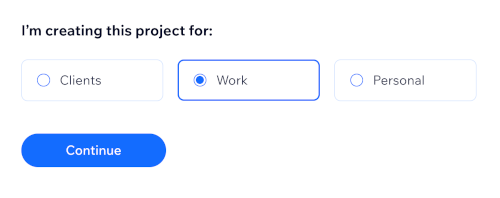
Choose your project's purpose.
-
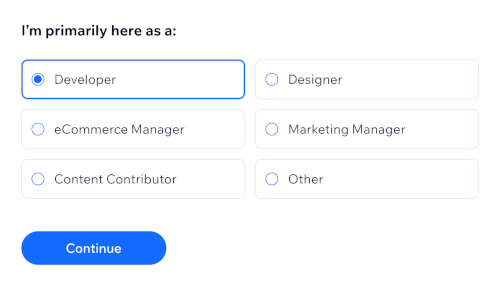
Choose your role.
-
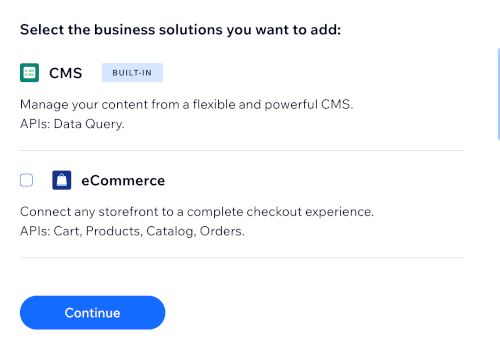
Choose the business features you want to add, such as eCommerce, Bookings, Pricing Plans, or Events. You can always add more later.
-
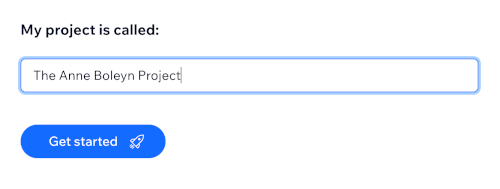
Enter a name for your project. You can always change your project's name later in the project dashboard.
Note: You need to upgrade to a Premium Plan to receive payments, view detailed analytics, connect a custom domain, and access other advanced functionality. Without a Premium Plan you can still begin coding, but you'll need to upgrade later in order to enable these features.