Legacy App Project Structure
Deprecated
The Legacy Wix CLI for Apps is deprecated. You can no longer create projects with it, and it no longer receives updates or feature additions. New app projects use the new app project structure. To migrate a project to it, see Migrate a Legacy CLI App to the New Wix CLI. To find out which structure a project uses, see Determine Which CLI Your Project Uses.
This article describes the structure of an app project that uses the Legacy Wix CLI for Apps, an earlier version of the CLI.
A Legacy Wix CLI for Apps project has the following file structure:
Note: Some of these files and directories don't exist when you first create your app. They're created when you build your app.
.wix/
Contains configuration and log files related to the Wix environment.
Caution: This directory contains internal data. Don't edit it.
dist/
Contains a distributable version of the app. This directory and its contents are created automatically from your local project files when you build your app.
Don't edit the files in this directory.
src/
Source directory. It contains all the source code and core resources of your app.
dashboard/
Contains subdirectories for each of your app's dashboard extensions.
site/
Contains subdirectories for each of your app's site extensions.
backend/
Contains subdirectories for each of your app's backend extensions.
assets/
A directory for storing static assets such as images and media files.
During the build process, the contents of this directory are renamed and copied to the dist directory.
To reference files from this directory in .json configuration files, use relative paths. For example, { "myImagePath": "../../assets/my-image.svg" }.
Likewise, to import files from this directory into your source code, use relative paths. For example, import myImage from "../../assets/my-image.svg";.
env.d.ts
TypeScript declaration file for environment variables.
Don't edit this file.
.nvmrc
Contains the version of Node.js that this project uses. Use the nvm use command to switch to this defined version using Node Version Manager (NVM).
package.json
Holds various metadata relevant to the project. It manages the project's dependencies, scripts, and more.
tsconfig.json
Configuration for the TypeScript compiler.
wix.config.json
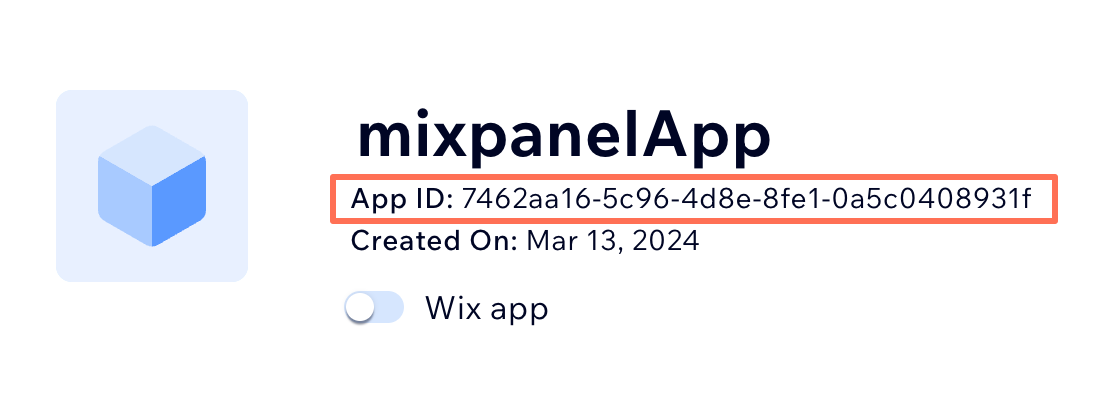
Defines basic information about your app, including appId and projectId. The appId is the same as your app ID in your app's dashboard, as shown here:
Last updated: 10 November 2026