Hello Popups
Send data between the main page and a popup.
 Introduction
Last updated: 24 Mar 2025
Introduction
Last updated: 24 Mar 2025
About
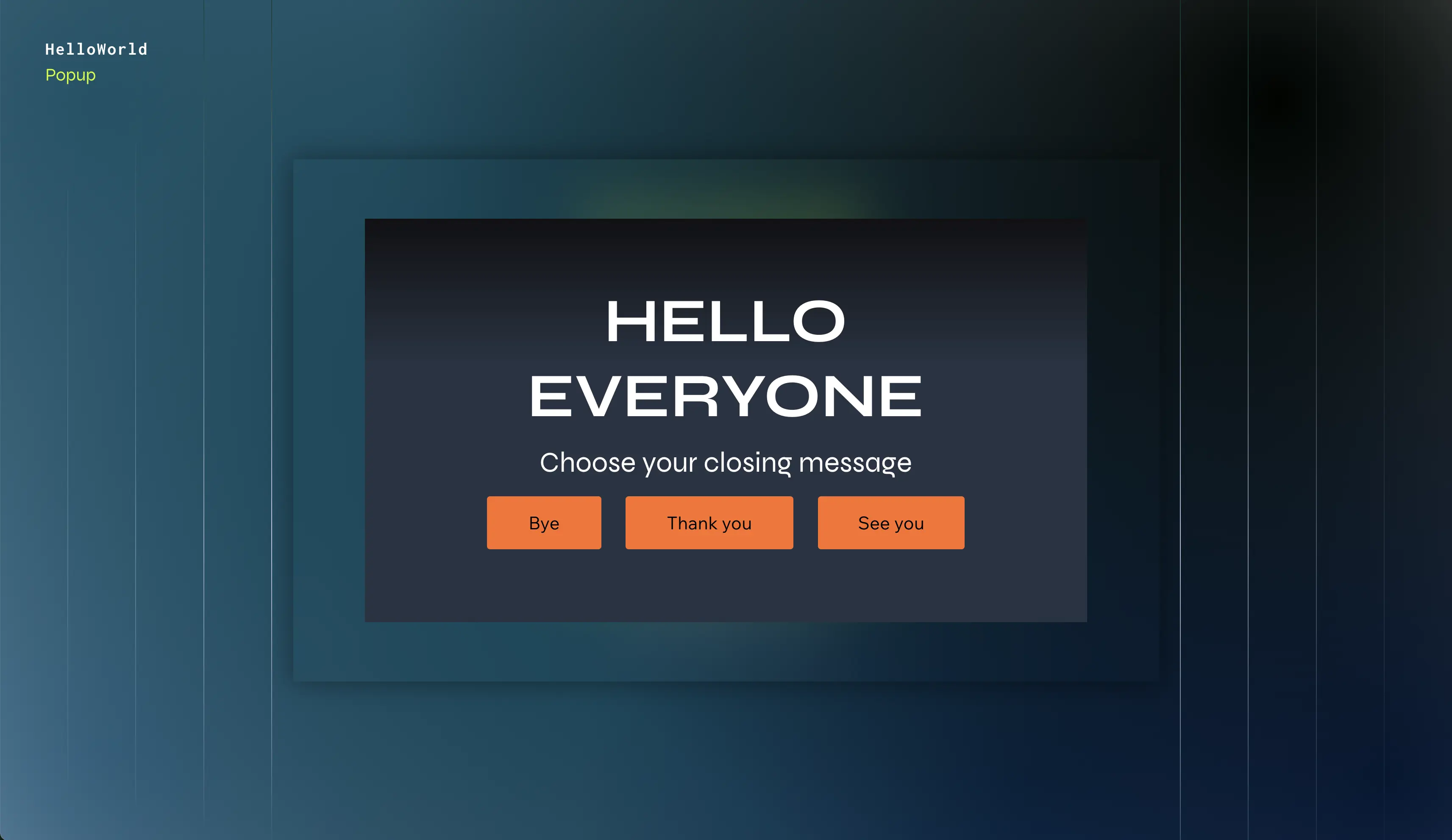
In this example, we open and close a popup using code, and send data between the main page and the popup.
APIs
How we built it
We added the following to our site:
Page Elements
Home
- 2 radio button groups with options for the user to select a greeting and a subject to appear in the popup.
- A button to open the popup.
- A text element to display the data sent by the popup to the page.
Greeting Popup
- 2 text elements to display the greeting and subject sent to the popup from the main page.
- 3 buttons to close the popup, with each one sending a different message to the main page.
Frontend Code
Home
The code in this file enables you to send data to the popup and display data returned by the popup.
In this file, we create an event handler that is triggered when the button to open the popup is triggered. In this event handler, we:
-
Open the popup and send it the selected greeting and subject. On the same line, we save the popup's response.
-
Display the popup's response.
Greeting Popup
The code in this file displays the data sent from the main page to the popup, and enables you to send data back to the main page when closing the popup.
In this file, we:
- Retrieve the data sent from the main page.
- Apply an event handler to the 3 buttons that:
- Closes the popup.
- Sends data to the main page.
Code Snippets
Home
Get Help
Join the community
Join the Wix Studio community on Discord, where experienced developers and fellow creators come together to share tips, troubleshoot issues, and collaborate.
Hire a developer
Building a coded solution on your own can be challenging. Let an experienced Wix developer build it for you, so you can keep working on your site or business. Visit the Wix Marketplace to find a trusted developer.
Last updated: 25 December 2025