Hello Visitor Location
Find a site visitor’s location.
 Introduction
Last updated: 26 Nov 2025
Introduction
Last updated: 26 Nov 2025
About
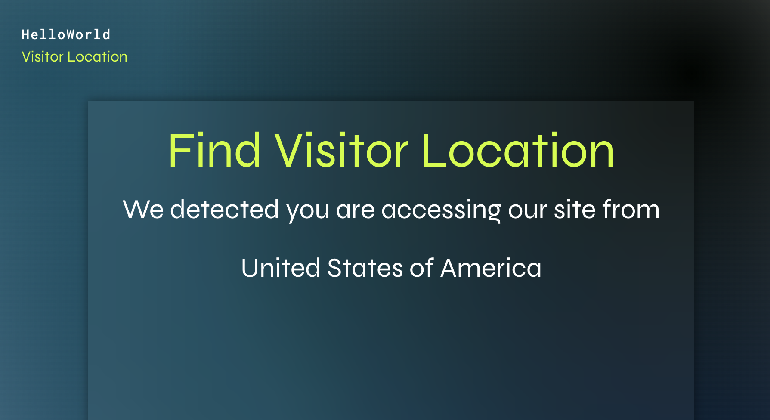
In this example, we demonstrate how to find a site visitor’s location and display their country using the Wix Window API.
APIs
How we built it
We added the following to our site:
Page Elements
- Text elements to display a message and the visitor’s country name.
NPM packages
Frontend Code
The code in this file finds the site visitor’s geolocation coordinates and displays the visitor’s country.
Home
In this file, we:
- Check that the code is running in a browser.
- Request the visitor’s current geolocation coordinates by calling
window.getCurrentGeolocation. - Retrieve the country of the coordinates from the backend.
- Display the country name.
- Display error messages if the visitor’s location can’t be determined.
Backend Code
location.web.js
The code in this file receives the geolocation coordinates from the frontend and gets the country name with the following method:
getCountryFromCoords: Receives the latitude and longitude coordinates of the site visitor and then returns the country name after:- Converting the coordinates to a country code using the
which-country-ne-10mpackage. - Converting the country code to a full country name in English using the
i18n-iso-countriespackage.
- Converting the coordinates to a country code using the
Code Snippets
location.web.js
Home
Get Help
Join the community
Join the Wix Studio community on Discord, where experienced developers and fellow creators come together to share tips, troubleshoot issues, and collaborate.
Hire a developer
Building a coded solution on your own can be challenging. Let an experienced Wix developer build it for you, so you can keep working on your site or business. Visit the Wix Marketplace to find a trusted developer.