Dashboard Modals
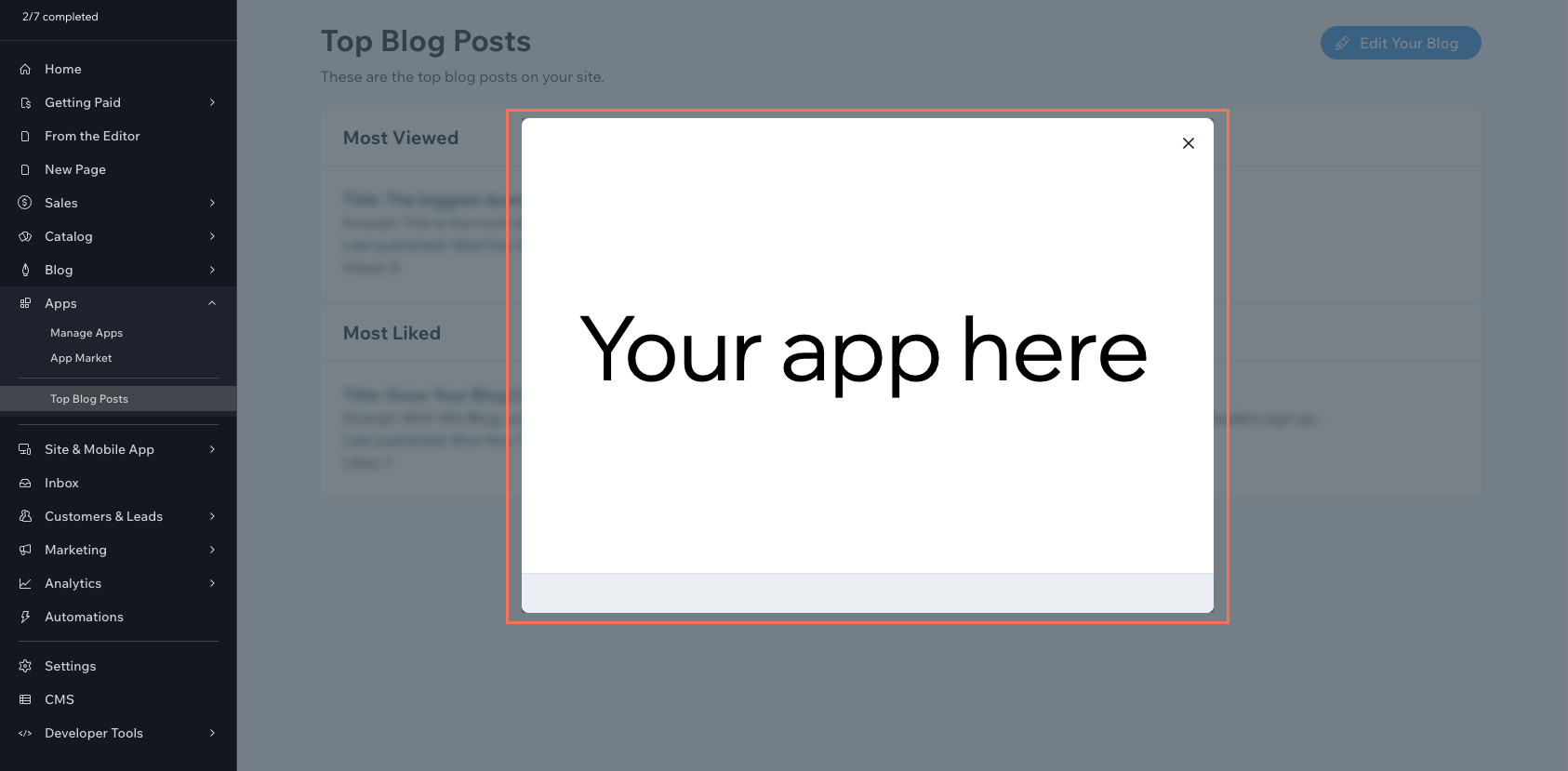
A dashboard modal is a pop-up window that appears centered on a dashboard page. Modals are triggered from elsewhere in the dashboard to surface a focused interaction without leaving the current page.
Registering a modal as an extension makes it reusable. Any other dashboard extension can open the modal by ID and await whatever data the modal returns when it closes. The same modal definition can serve many call sites without duplicating the implementation.
Like all dashboard extensions, dashboard modals don't appear on the live site. Only Wix users with the required permissions can see them.
When to use a dashboard modal
Use a dashboard modal when you need to interrupt the current dashboard flow with a focused, dismissible interaction. Common cases include:
- Confirming a destructive action before it runs, like deleting a customer record.
- Editing a specific record in place, like updating a contact's email or a product's price.
- Authenticating or reconnecting an external account, like a 3rd-party shipping or payments integration.
- Running a short, multi-step setup or onboarding flow, like first-time app configuration.
Modals are the right choice when the interaction is short and tied to the calling page. For longer or self-contained workflows, use a dashboard page. For UI embedded inside an existing Wix dashboard page, use a dashboard plugin.
Modal code
Use the Dashboard SDK at runtime to read caller context, navigate between dashboard locations, and open other modals. Call other Wix APIs from inside the dashboard to read and write site data, including the business solution APIs.
When you're writing the UI in React, prefer the Wix Design System and Patterns. They're React component libraries that match the native Wix dashboard look.
Authentication and permissions
Dashboard modal code runs with the identity of the Wix user who opened it, the site owner or a collaborator who's logged into the dashboard.
What the modal can do is bounded 2 ways:
- The Wix user's role on the site determines which methods they're allowed to invoke.
- When the modal belongs to an installed app, the app declares the permission scopes the modal needs in its manifest, and those scopes further constrain what the modal can call.
For some restricted methods, you can elevate the call from backend code to gain higher authorization than the current user has.
Dashboard modals across development paths
The development path determines how you build a dashboard modal:
- Sites: Don't add dashboard modals directly. Instead, create a private app that registers the extension and install that app in your site.
- Wix-managed headless projects:
- Full Wix integration (Astro): Use the Wix CLI. See Add Dashboard Modal Extensions with the Wix CLI.
- Other frameworks: Don't support dashboard modal extensions directly. Follow the same approach as self-managed headless projects.
- Self-managed headless projects: Don't add dashboard extensions directly. Instead, create a private app that registers the extension and install that app in your headless project.
- Wix-managed apps: Use the Wix CLI. See Add Dashboard Modal Extensions.
- Self-managed apps: Build the modal on infrastructure you manage. The dashboard embeds it as an iframe whose source URL you provide. See Add Self-hosted Dashboard Modal Extensions in Build Apps.
- Blocks apps: Don't support dashboard modals.
Last updated: 2 August 2026