Site Pages
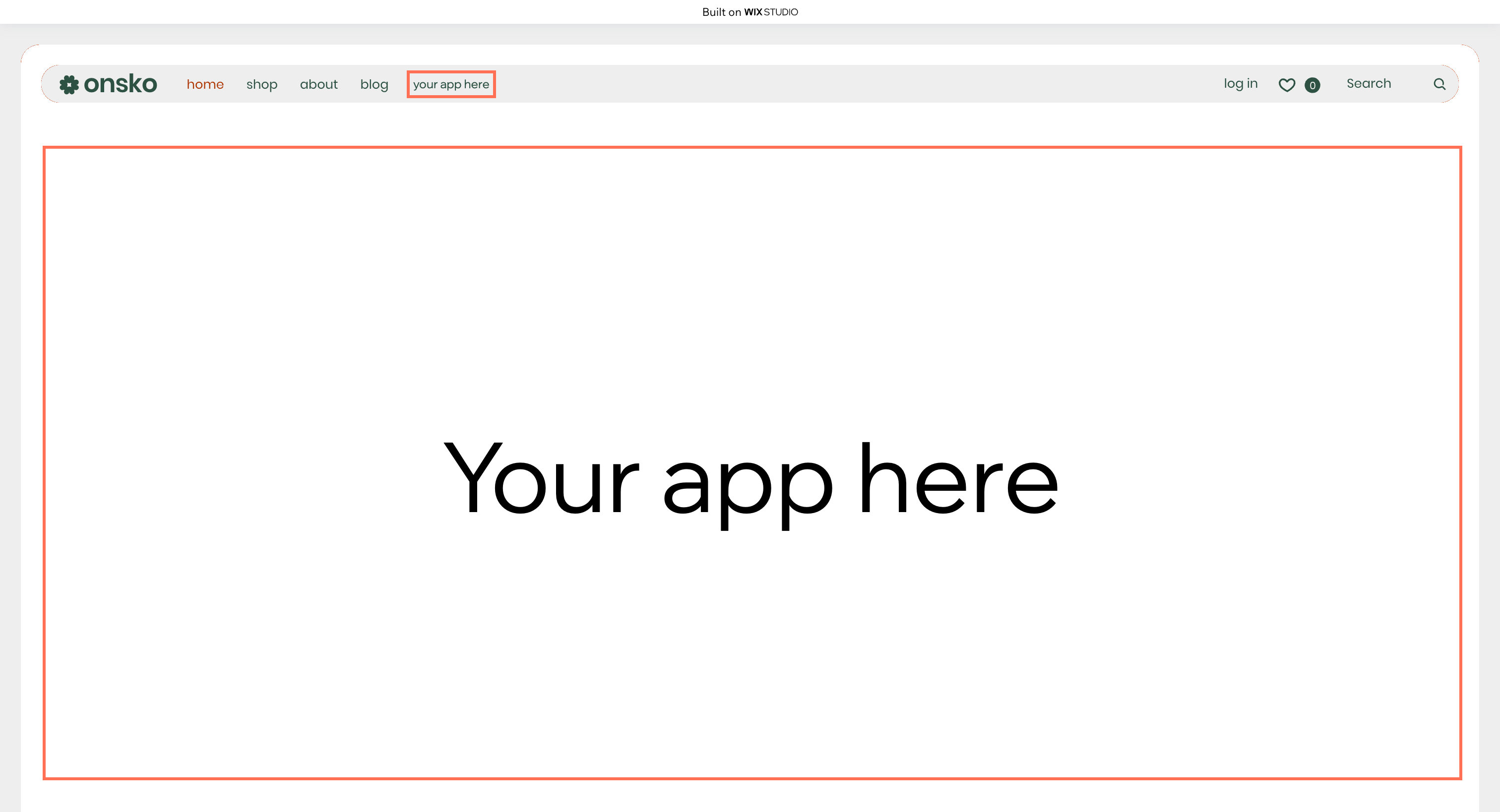
A site page is a full visitor-facing page added to a Wix site. It behaves like any other page in the site. A site page is composed of 1 or more sections, and each section contains exactly 1 site widget.
When to use a site page
Use a site page when you need an entire page on a Wix site rather than a placement inside an existing page. Common cases include:
- Building a community forum or member portal, like a discussion board attached to the site's membership area.
- Providing a custom catalog or gallery, like a curated showcase that's distinct from Wix Stores.
- Offering a dedicated booking or onboarding flow, like a multi-step intake form for a new client.
- Adding a specialized landing page, like a custom event registration page tied to your data.
Page composition
A site page isn't a blank canvas you fill with your own HTML. It's a container that holds 1 or more site widgets you've already built. Therefore you must already have at least 1 site widget before you can register a site page. The page extension references existing widgets by their identifiers, rather than creating new widget code. You can register multiple site pages and reuse the same widgets across them.
When you register the page, you also configure 3 settings:
- Navigation placement: Whether the page is added to the navigation menu of the site automatically when an app is installed. This only applies to regular site menus in the Wix Editor, not to advanced menus or Wix Studio menus.
- Duplication policy: Whether the Wix user can duplicate the page. When the page depends on data or a state that's unique (such as a linked database collection), you'd probably disable duplication to avoid broken copies.
- Page ID: A unique identifier for the page, which also doubles as the URL slug of the page on the live site.
Site pages across development paths
Site pages are configuration-only. The page extension itself is assembled in the App Dashboard, regardless of how the underlying widgets are built.
- Sites: Add new pages directly through the Wix Editor or Wix Studio, not through the site extension framework.
- Wix-managed headless projects: Don't use site pages. In a headless project, you build your own frontend from scratch, so there's no Wix-rendered site to add a page to. You define your own routes and pages directly in your frontend.
- Self-managed headless projects: Don't use site pages. In a headless project, you build your own frontend from scratch, so there's no Wix-rendered site to add a page to. You define your own routes and pages directly in your frontend.
- Wix-managed apps: Configure the site page in the App Dashboard, composing it from the app's existing widgets. The widgets themselves can be built with the Wix CLI, as self-hosted custom elements, or in Wix Blocks. See Add a Site Page Extension in Build Apps.
- Self-managed apps: Configure the site page in the App Dashboard, composing it from the app's existing widgets. The widgets themselves can be built with the Wix CLI, as self-hosted custom elements, or in Wix Blocks. See Add a Site Page Extension in Build Apps.
- Blocks apps: Configure the site page in the App Dashboard, composing it from the app's existing widgets. The widgets themselves can be built with the Wix CLI, as self-hosted custom elements, or in Wix Blocks. See Add a Site Page Extension in Build Apps.
Last updated: 22 July 2026