Tutorial | Call External APIs with Fetch
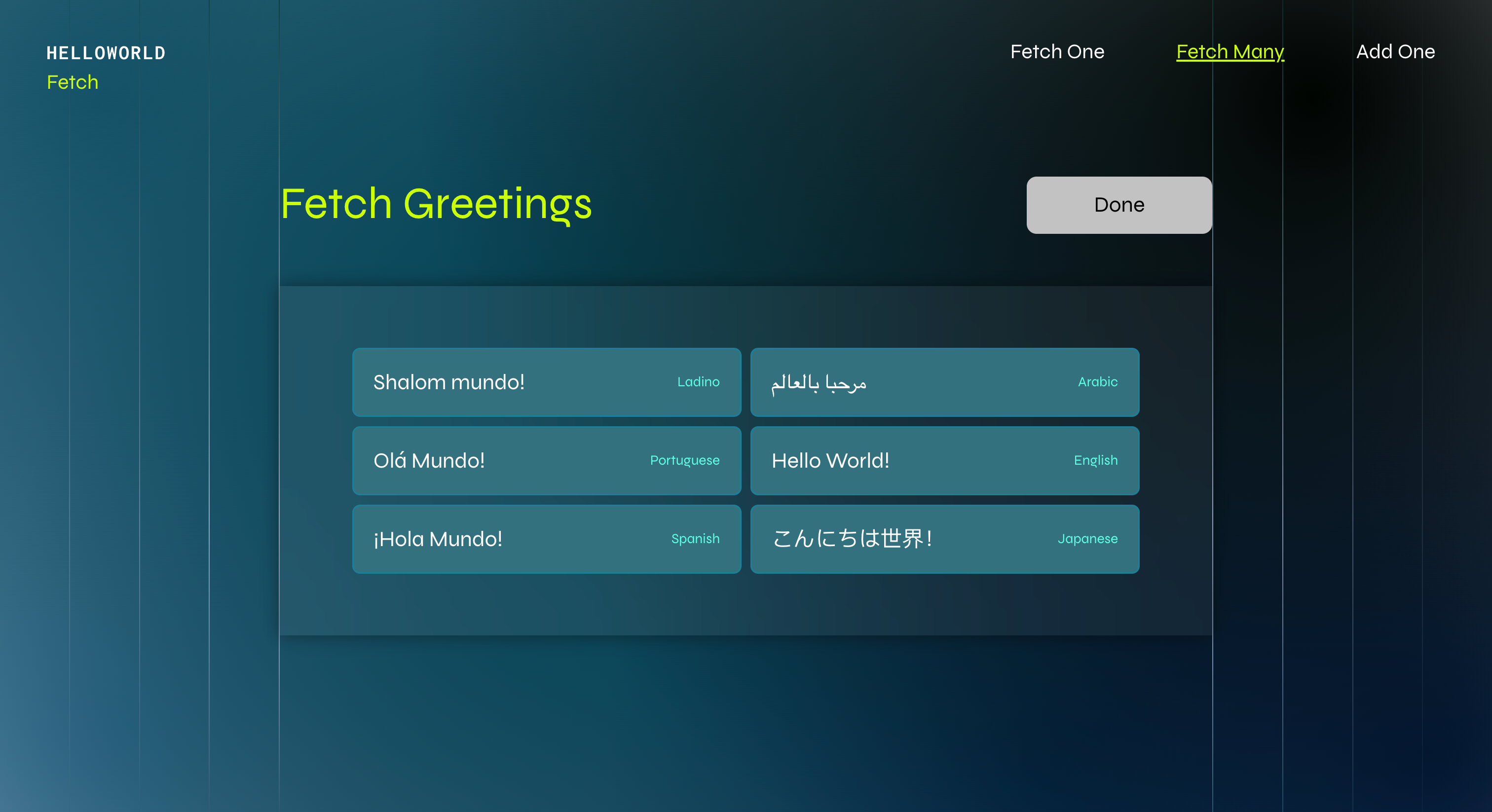
In this tutorial, you'll learn how to use the fetch API to connect to an external service and display data items retrieved from that service. Site visitors can click a button to fetch and display a collection of greetings in different languages.
Note: To see this example in action, see Hello Fetch.
By the end of this tutorial, you'll have a working example that fetches greetings data from an external API and displays it on your site using a repeater element.
Step 1 | Add elements to your page
Add the following elements to your page:
- A button to fetch the greetings. Set the button ID to
fetchGreetingsButton. - A repeater to display multiple data items. Set the repeater ID to
greetingsRepeater. - A text element to display the greeting's language inside the repeater. Set the text element ID to
repeatedLanguage. - A text element to display the greeting inside the repeater. Set the text element ID to
repeatedGreeting.
Step 2 | Add backend code
Create a new web module file called dataFetcher.web.js and add the following code to fetch greetings from an external API:
Step 3 | Add frontend code
In the code for the page where you added the elements above:
-
Add the import statement, hide the repeater, and set up a button click event handler:
Copy -
Disable the button during fetch to prevent multiple clicks:
Copy -
Call the backend function to retrieve the greetings data:
Copy -
Transform the data by adding
_idproperties, as required by repeater elements:Copy -
Populate the repeater with the transformed data:
Copy -
Make the previously hidden repeater visible:
Copy -
Change the button label to indicate completion:
CopyThis completes the code requirements within the
onReadyfunction. -
In a new code block, set up how each item in the repeater displays its data:
Copy
Complete code example
Backend
Frontend
See also
Last updated: 11 December 2025