> To build or manage a Wix site with an AI agent, follow https://www.wix.com/headless/skill.md
> It builds a new Wix site or puts your own site online, from a prompt, and keeps changing it afterwards. The pages are code in any web technology, and Wix runs the backend.
> It works through the Wix plugin (the Wix MCP and the Wix skills), the Wix CLI or no Wix login, and puts the site live on Wix hosting or on another host.
> Business features include a store, bookings, events and tickets, a restaurant, a blog, forms, members and many more.
> Read the Wix skills online at https://www.wix.com/skills
>
> Portal Navigation:
>
> - Append `.md` to any URL under `https://dev.wix.com/docs/` to get its markdown version.
> - Pages are either content pages (article or reference text) or menu pages (a list of links to child pages).
> - To get a menu page, truncate any URL to a parent path and append `.md` (e.g. `https://dev.wix.com/docs/sdk.md`, `https://dev.wix.com/docs/sdk/core-modules.md`).
> - If a reference page seems to be missing its schema (parameters, return types, or type definitions), append `?schema=true` to its `.md` URL (e.g. `https://dev.wix.com/docs/contexts/contexts/stores/category-info/use-category-info-context.md?schema=true`).
> - Top-level index of all portals: https://dev.wix.com/docs/llms.txt
> - Full concatenated docs: https://dev.wix.com/docs/llms-full.txt
## Resource: About Dashboard Page Extensions
## Article: About Dashboard Page Extensions
## Article Link: https://dev.wix.com/docs/build-apps/develop-your-app/extensions/dashboard-extensions/dashboard-pages/about-dashboard-page-extensions.md
## Article Content:
# About Dashboard Page Extensions
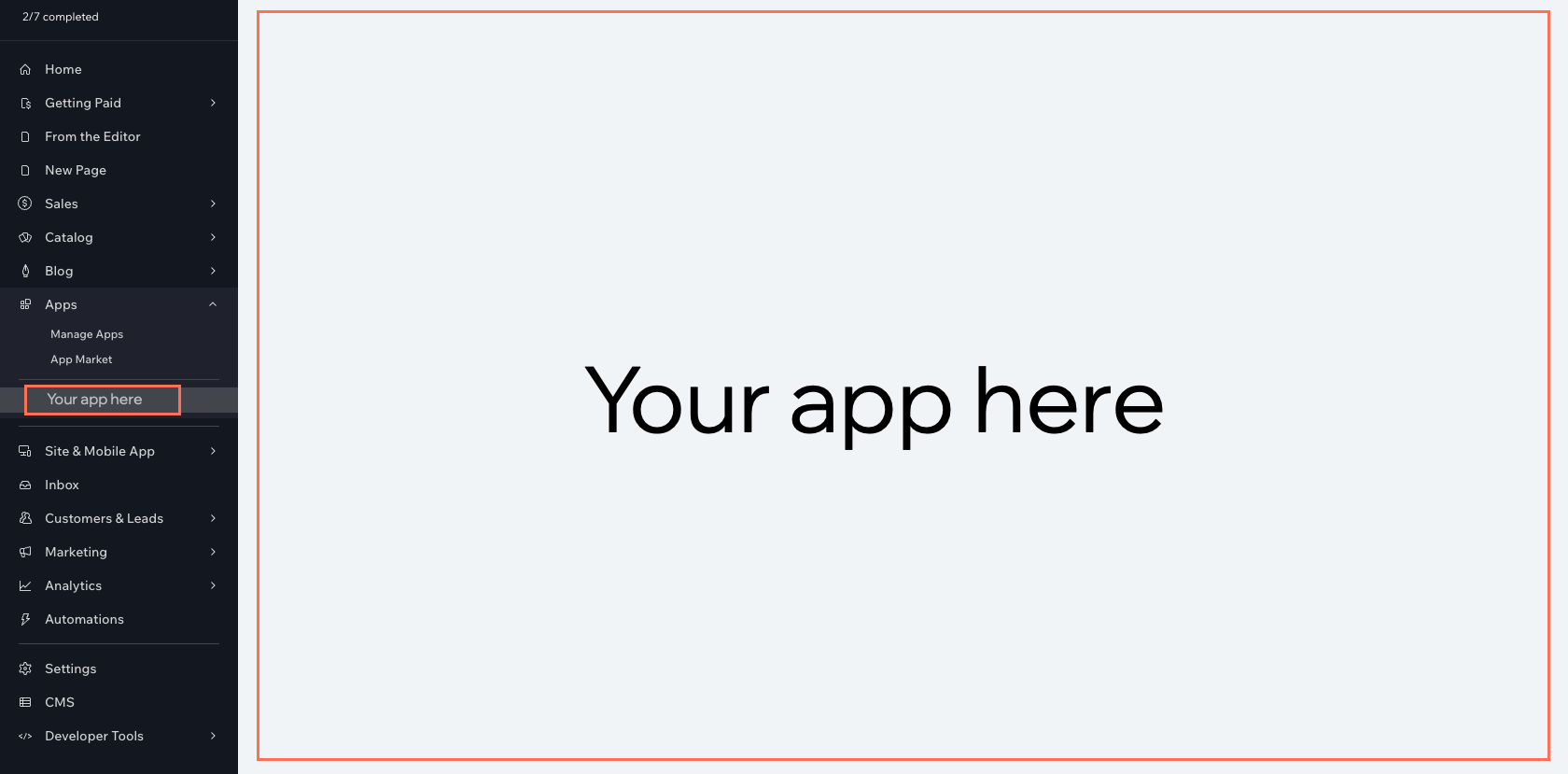
Dashboard pages are administrative pages you can add to the dashboard of a Wix site or project. They do not appear on the live site, so site visitors never see them. However, dashboard pages are visible to site admins with the required permissions.
For example, if a site has Wix Blog installed, your app can extend the site’s functionality by adding a dashboard page that shows which blog posts were viewed and liked the most.
## When to use the dashboard page extension
Use this extension when you want to add administrative functionality to your site or project dashboard. This might include:
- Rendering site or business data for monitoring and analysis.
- Configuring functionality of the editor or live site.
- Integrating data or services hosted outside of Wix.
For example, you might want to add a dashboard page for configuring content to display, the speed of an animation, or the behavior of a chatbot.
## Implementation options
You can add a dashboard page extension using:
- [Wix CLI](https://dev.wix.com/docs/build-apps/develop-your-app/develop-an-app-with-the-cli/supported-extensions/dashboard/dashboard-pages/add-dashboard-page-extensions-with-the-wix-cli.md)
- [A self-managed solution](https://dev.wix.com/docs/build-apps/develop-your-app/frameworks/self-hosting/supported-extensions/dashboard-extensions/add-self-hosted-dashboard-page-extensions.md)
- [Wix Blocks](https://dev.wix.com/docs/build-apps/develop-your-app/develop-an-app-with-blocks/dashboard-pages/build-a-dashboard-page-in-blocks.md)
> **Note:** For a more streamlined approach to developing your dashboard page, try out the [Wix CLI](https://dev.wix.com/docs/build-apps/develop-your-app/develop-an-app-with-the-cli/supported-extensions/dashboard/dashboard-pages/add-dashboard-page-extensions-with-the-wix-cli.md) or [Blocks](https://dev.wix.com/docs/build-apps/develop-your-app/develop-an-app-with-blocks/dashboard-pages/build-a-dashboard-page-in-blocks.md) instead of self-managing.
**Editor compatibility**
Wix Blocks apps aren't supported in the Wix Harmony editor. Existing Blocks apps remain available for purchase on the Wix App Market for Wix Editor and Wix Studio sites. To learn more, see [About Wix Harmony and Blocks](https://dev.wix.com/docs/build-apps/develop-your-app/develop-an-app-with-blocks/about-wix-harmony-and-blocks.md).
When it comes to designing the UI, consider using the [Wix Design System](https://dev.wix.com/docs/build-apps/develop-your-app/design/about-the-wix-design-system.md), a collection of reusable React components that you can use to make your app appear and feel like a native Wix app.
__Important:__ The format of the Wix dashboard URL is changing due to new cookies introduced for authorization. The new URL format is `{username}-{sitename}.{editor|studio|harmony}.wix.com`. If your app uses CORS and whitelists specific origins, update your allowed origins to match the new format to avoid blocked requests.
## See also
- [Tutorial | Creating a “Top Blog Posts” Dashboard Page Using the Wix CLI](https://dev.wix.com/docs/build-apps/get-started/tutorials/tutorial-create-a-top-blog-posts-dashboard-page-with-the-cli.md)
- [Tutorial | Create a Self-managed App](https://dev.wix.com/docs/build-apps/get-started/quick-start/create-a-self-managed-app.md)